Sign in doesn't work. After entering the validation code, the app kicks me back to the splash screen - reinstalled the app and sign in works now

Tesla Robotaxi


App Information
| Version | 26.4.0-7310 |
| Content Rating | Everyone |
| Android Required | Varies with device |
| Updated | Apr 23, 2026 |
| Developer | Tesla, Inc. |
| Price | Free |
| Category | Maps & Navigation |
Description
Getting Started
To get started, download the Robotaxi app and use your Tesla Account credentials to sign in. If you do not yet have a Tesla Account, you’ll need to create a Tesla Account before you can sign into the Robotaxi app.
Before Your Ride
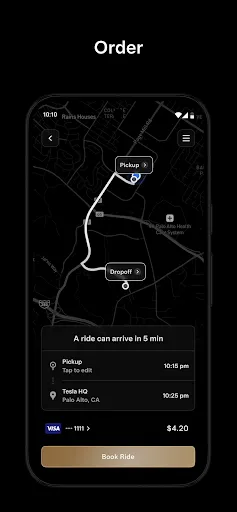
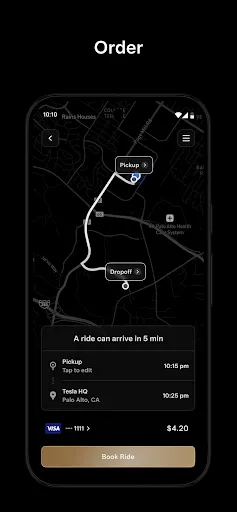
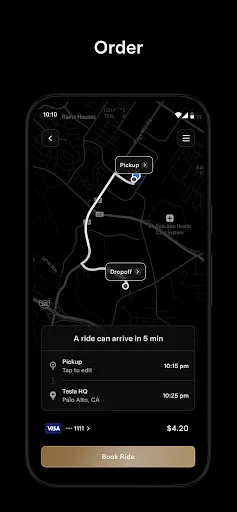
Ensure you are within the service area shown in the Robotaxi app and enter your destination. When confirming your ride, you’ll see the estimated ride fare and the estimated time before the vehicle is expected to arrive at your pickup location.
Our Robotaxi fleet is currently made up of Model Y vehicles with plans to add Cybercab in the future.
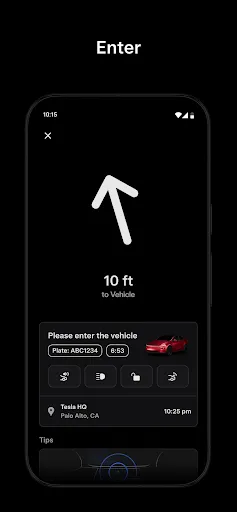
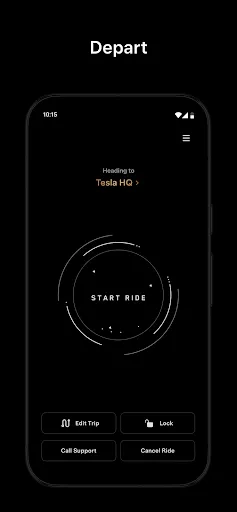
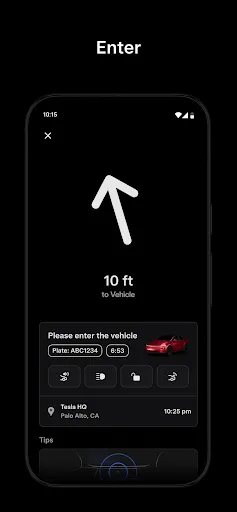
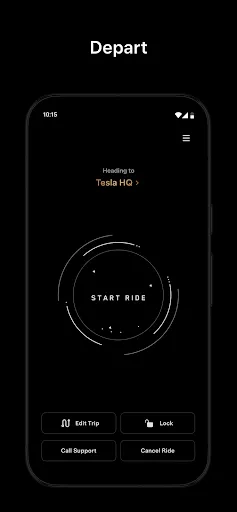
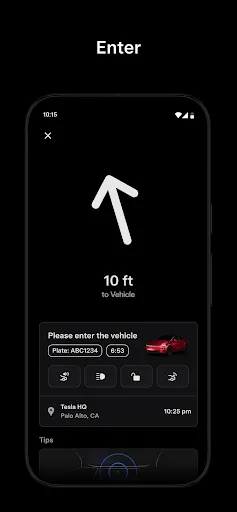
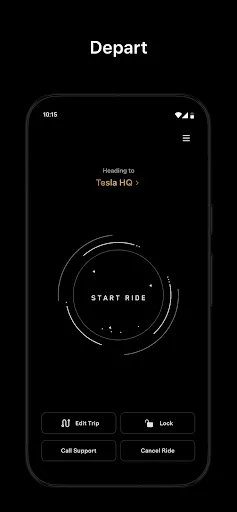
Once your Robotaxi vehicle has arrived, confirm the license plate number with the one provided in the Robotaxi app. After confirming your vehicle, open the door, fasten your seatbelt and tap ‘Start Ride’ in the Robotaxi app or on the vehicle’s touchscreen to begin your trip.
During Your Ride
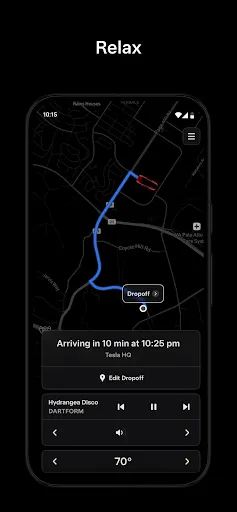
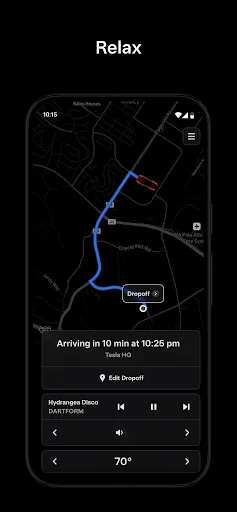
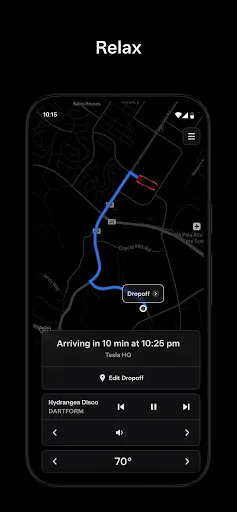
Customize your ride by selecting your climate settings, seat positioning, music preferences and more. Critical ride information will be available on the Robotaxi app and the vehicle’s touchscreen, including monitoring your ride progress, changing your drop off location, and requesting support. You can always request the ride to pull over or stop, if needed.
After Your Ride
Once you arrive at your destination, gather your belongings, exit your vehicle, close all the doors, and provide feedback on your experience in the Robotaxi app.
Service Areas
Download the Robotaxi app to see a map of where service is available based on your location.
Don't see your location? Sign up at www.tesla.com/updates to be notified when the Robotaxi service is available in your area.
Pricing
We charge an affordable rate plus applicable taxes and fees for each ride within the available service area.
Pricing is subject to change.
Accessibility
We are building an autonomous future that is accessible to all people. Our Robotaxi vehicles are designed to support various accessibility needs including space for service animals, screen reader capability and room to store some wheelchairs and other assistive devices. The Robotaxi app is currently available in over 25 languages, with more being added.
For more information, visit tesla.com/robotaxi.
Downloads
User Reviews
super simple
it's awesome
the future is here
i hope Tesla Robotaxi comes to Pittsburg, California to cover my house and my school 🥳
it's great
This will redefine how we get from place to place, eventually making easier for family's to get to the place you need to go safely! This gives you control of the car as if it were your own, they way you like it without the driver factor with other services like uber or Lyft, this is truly a foundational step towards the future.
I'm really glad this app is on android now! Unfortunately I'm in California so I only get supervised taxi rides but visiting texas to try this out will definitely be on my mind now. As for the app, it seems pretty polished and I haven't had issues browsing my service area but I haven't had a ride yet.
Nice that Android version is finally out; too bad it's a bit late and not only has interest waned, pricing is no longer "amazing", compared to waymo and uber. another example of too little too late. shouldn't have focused so much on the ios release!
won't let me sign in