T
Apr 26, 2026
couldn't register properly, also I tried later to log in later also couldn't log in, forget you password also doesn't work .........



| Version | 26.4.1 |
| Content Rating | Everyone |
| Android Required | 9 |
| Updated | Apr 15, 2026 |
| Developer | PayByPhone Technologies Inc . |
| Price | Free |
| Category | Auto & Vehicles |
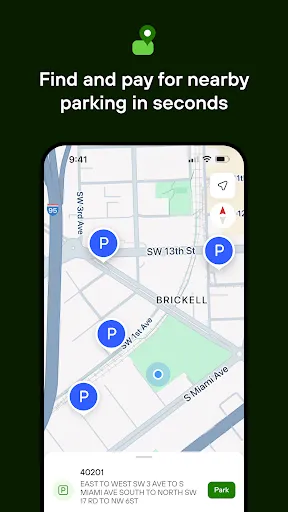
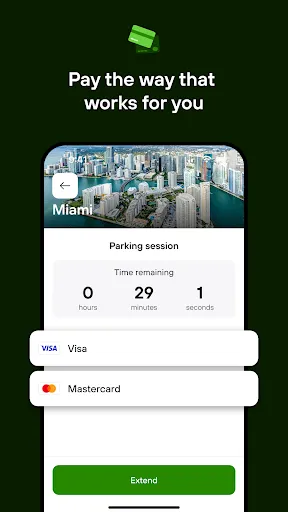
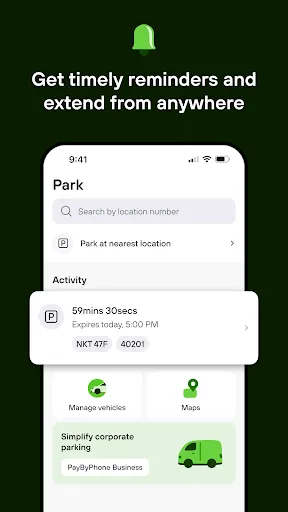
Rather than combining unrelated tools, PayByPhone concentrates on vehicle-related information and everyday driving needs. Because the scope is focused, drivers and vehicle owners who want relevant tools within reach can open with with the central screen and learn secondary options only when they become practical. The offered store description provides enough detail to discuss the listed day-to-day use without inventing extra tools or screens. Geographic information is part of the advertised day-to-day use, which can support activity away from home. New users do not need to configure every option immediately; the primary workflow is the best place to open with. For PayByPhone, the practical test is whether vehicle-related information and everyday driving needs feels clear and worthwhile during an ordinary session. Its value is easiest to see in everyday use, when a person wants to get something done without turning the session into a project of its own.
couldn't register properly, also I tried later to log in later also couldn't log in, forget you password also doesn't work .........
Very convenient
hopeless, takes too long to set up. suspended my account. would not allow a stay longer than 1 hour. why manually enter the time rather than give fixed options for the car park? couldnt find the car park i was stood in. used the manual machine instead
Consistently bad customer service whenever things go wrong. For example: the app took my money for a parking session but did not start the session. I called customer service, an automated message said to contact the website chatbot then hung up. I went on the website chatbot, explained the situation and it said to call customer support. Meanwhile my friend is left without my permit and I am left having paid for something that didn't happen. The app could be more user friendly too
This App in unstable (literary), it opens up on the accept or decline cooky policy and irrelevant of what you choose it comes up with a error message stating "Sorry, something went wrong, Please try again"
This app is bad. Just used it in France to pay stationnement for my car. terrible experience. Asks me to create an account. I don't care I want to pay fast, I am out on the street. No easy sign-in with Google or equivalent. need to create a password, why? Just let me sign-in with SMS. Autofill works nowhere, how hard is that to make it work? payment, no pay with Google, you have to enter your full card info, and again, no autofill. Very frustrating
awkward to use and not reliable. need to make sure there will be signal in the car parks that use this
App refuses to allow users to not use Wi-Fi scanning. We can see the zone numbers and type them in manually, so WiFi scanning is utterly unnecessary. The popup to refuse granting that permission is impossible to dismiss if a user tries to decline this "feature". They claim it's for a "better user experience", when it is in fact the opposite. Immensely frustrating, and is something I flagged to their support team a year ago, and still no change.
Great if you can get into the Internet
constantly crashes , completely unusable