S
Apr 28, 2026
I can't see the food reviews and there's barely anything available for delivery but pickup has everything smh ☹️


| Version | 93.2 |
| Content Rating | Everyone |
| Android Required | 8.0 |
| Updated | Apr 21, 2026 |
| Developer | The Kroger Co. |
| Price | Free |
| Category | Shopping |
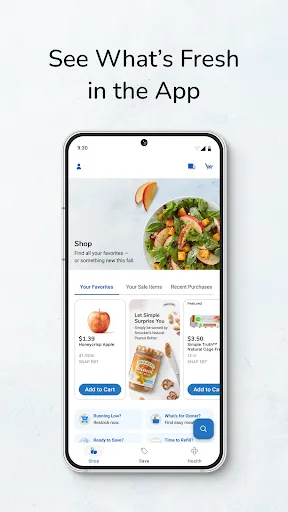
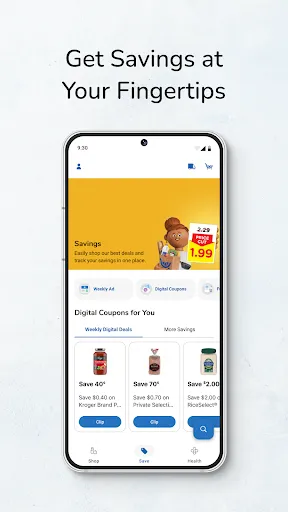
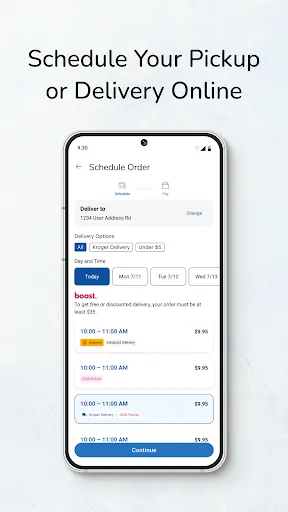
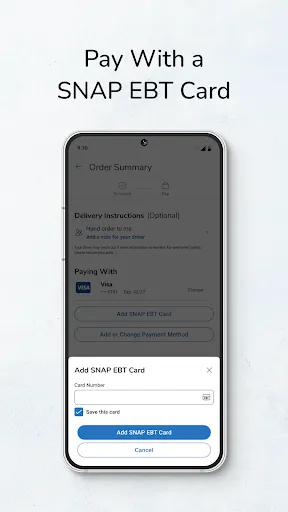
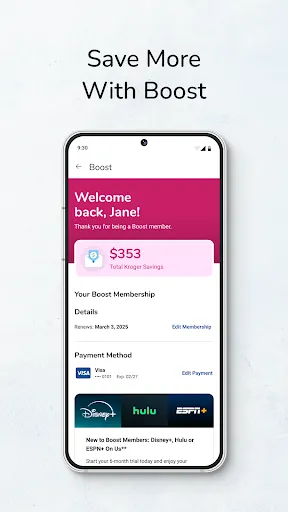
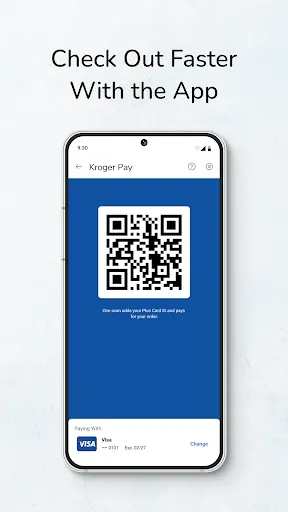
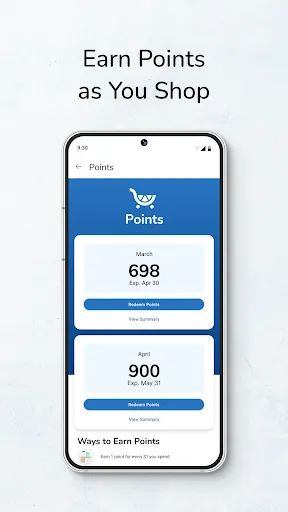
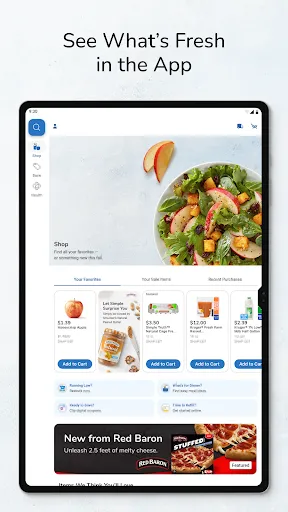
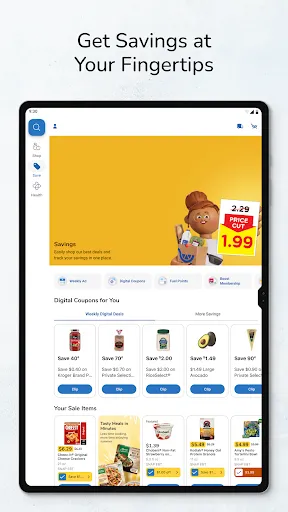
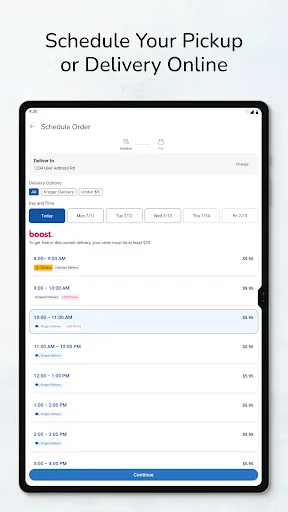
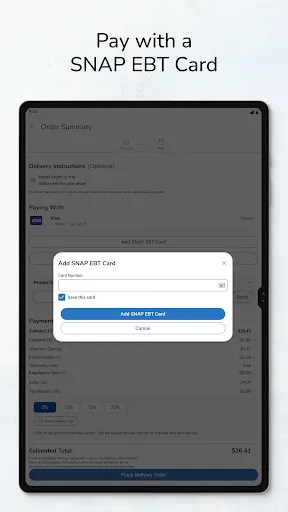
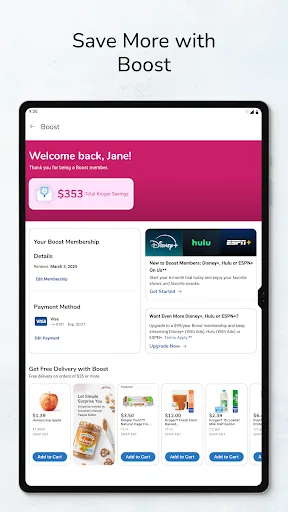
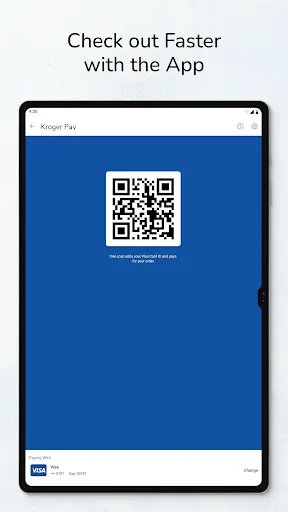
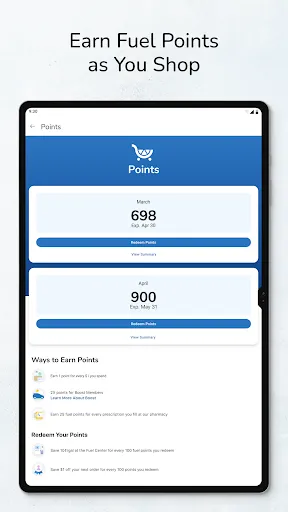
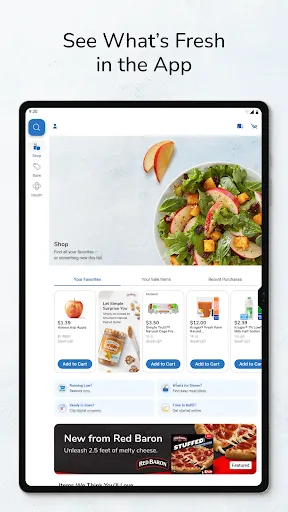
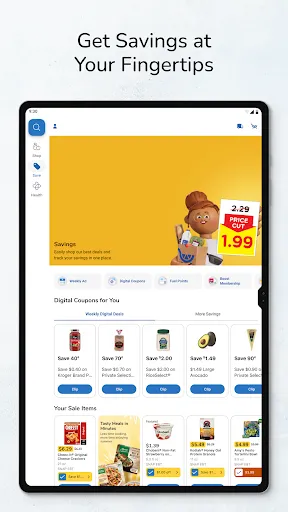
Kroger brings product discovery, shopping decisions, or purchase-related organization to a phone or tablet in the form of a dedicated app. Shoppers who want a more convenient mobile overall use may appreciate having the main activity accessible without returning to a desktop browser. The confirmed store text is the basis for the option discussion below; anything not described there is left out. Sharing is included in the advertised workflow, allowing selected content or results to leave the app itself. A practical first step is to try the central activity before changing notifications, accounts, or optional preferences. The everyday usefulness of Kroger depends on how comfortably it brings product discovery, shopping decisions, or purchase-related organization into a mobile routine. That makes it the sort of app people can try in a real situation before deciding whether it deserves a permanent place on their mobile device.
I can't see the food reviews and there's barely anything available for delivery but pickup has everything smh ☹️
Do you only allow people that are bad at designing apps do the updates? Every time there is an update, it makes it worse. Now when you make a list, it just erased it and defaults back to the previous list. I'm embarrassed for you.
I love that I can shop and get an idea of how much I need to spend for the week. I especially like the pick up it's fast and convenient. But what's getting to me, is that the app picks up on what you frequently buy then tells you "ONLY AVAILABLE IF YOU SPEND MORE FOR DELIVERY". So now I either have to go without, take the time out of schedule to go in myself, or pay extra for delivery. All I ask is to make all groceries accessible for shopping wether it be pickup or delivery.
hate the Kroger app , you have to sign in twice just to check prescriptions and if everything don't match I have to drive an hour to Kroger just to find out what's wrong and get it fixed then an hour back home ! GARBAGE APP DO BETTER !!!!! my rating negative 5 stars
Very glitchy.
Fix the list issue! This has been an issue for months and it still isn't fixed. I just spent an hour making my list and remaking my list over and over because the app didn't transfer to the website and then every time I tried to add an item to the list on the website it would either disappear or several other items would disappear. I emailed Kroger about this a few months ago and never heard back.
clunky and nonsensical
we have had nothing but trouble with this app. first somehow it combined my wife and my account together and now everytime i have to update it it logs me out and I have to change the password. worthless app.
prices arent accurate showed one price with -30$ coupon then charged a different price at pickup and caused a huge headache
With every update the app gets worse and worse! Make it better or stop trying! It used to be a great app....not anymore!