T
Apr 28, 2026
I found if you rub or scratch your ear while talking on the phone it will hang up the call. So if you find it hanging up watch what you do to your ear.

| Version | 1.7.1 |
| Content Rating | Everyone |
| Android Required | 8.0 |
| Updated | Apr 3, 2026 |
| Developer | Oticon A/S |
| Price | Free |
| Category | Medical |
I found if you rub or scratch your ear while talking on the phone it will hang up the call. So if you find it hanging up watch what you do to your ear.
Another babystep in the correct direction, HA's are disconnecting less. HA's are correctly syncing more often when getting a regular call so I can take/listen to phone calls through my hearing aids. At times I have to go to speaker when getting a regular call. When getting a call through WhatsApp they sync perfectly. I have a Samsung A25 which utilizes Android 16 for its operating system.
Works well. Question for you... Gemini shows version 1.7.1 released yesterday (28 April 2026) so how long before I will get the update because my mobile still shows 1.7.0 Thank you.
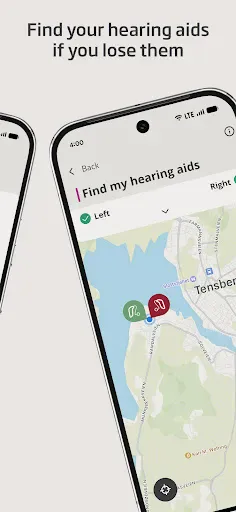
It's working much better since the April, 2026 update. Now when you swipe away the app, Find My Hearing Aids releases the GPS beacon immediately.
cant connect to blue tooth devices
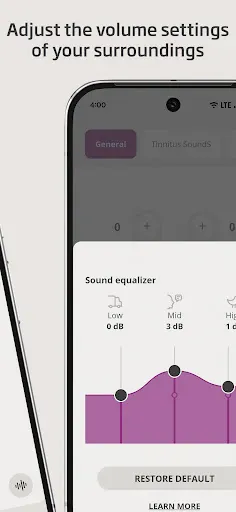
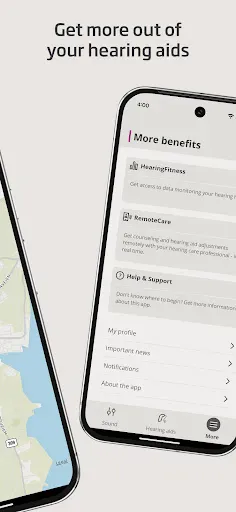
not much in relation to controls on app ie back ground noise ect very basic
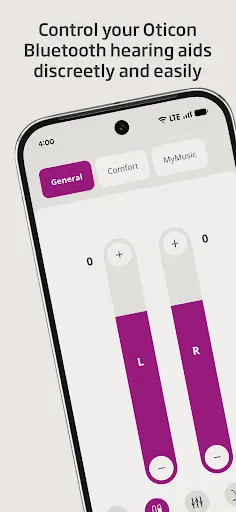
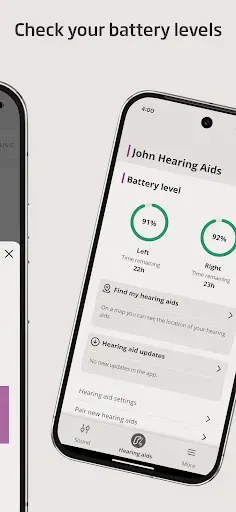
still waiting for the android version to be like it is with iPhones. I have basic volume control and battery levels and find my hearing aid.
Just so nice to have
the app icon doesn't show on my Android Pixel phone. every time I want to use it I have to go via Google Play. I was advised to reinstall. did that, also updated and the problem persists. also the link to contact Oticon within the app does not connect to an email address
good upgrade