мне даже 1 звезду жалко ставить

Alli360 by Kids360


App Information
| Version | 2.78.3 |
| Content Rating | Everyone |
| Android Required | 7.0 |
| Updated | Apr 27, 2026 |
| Developer | ANKO Solutions LLC |
| Price | Free |
| Category | Parenting |
Description
The Alli360 app complements the “Kids360 for parents” app and must be installed on the device the teen is using
This app provides you with the following options:
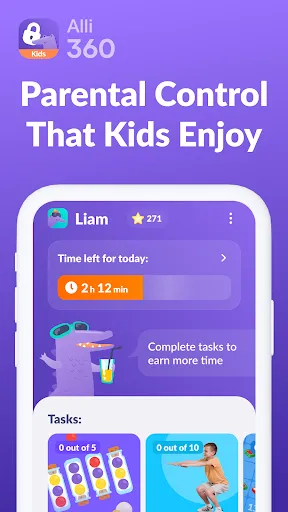
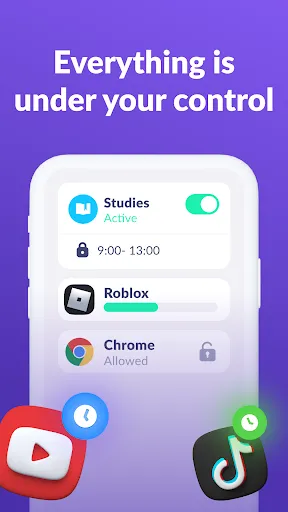
Time limit - set a time limit for specific applications and games your teens uses
Schedule - set schedules for school time and rest in the evening: games, social networks, and entertainment apps will not be available during the specified time
List of applications - select applications you want to limit or block completely
Time spent - see how much time your teen spends on their smartphone and identify their most used applications
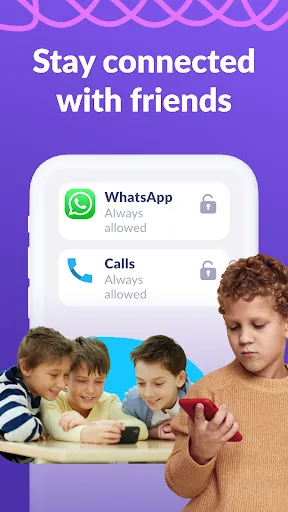
Always keep in touch - applications for calls, messages, taxis, and other non-entertainment applications will always be available and you will always be able to contact your school student.
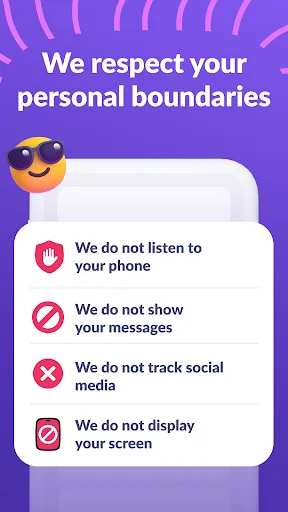
The “Kids360” app is designed for family safety and parental control. Thanks to the application tracker, you will always know how much time teen is spending on their smartphone. The app cannot be installed on the cell phone without your child’s knowledge, its use is available only with the explicit consent. Personal data is stored in strict accordance with legislation and GDPR policies.
How to start using the "Kids360" app:
1. Install the “Kids360 for parents” app on your mobile device;
2. Install the “Kids360” app on your teen's phone and enter the link code with the parental device;
3. Allow monitoring of your teenager's smartphone in the app.
In case of technical problems, you can always contact the 24-hour support service in the app or via the following email [email protected]
You can monitor your time on the smartphone for free after connecting second device. Time management functions in applications are available during the trial period and by purchasing a subscription.
The app asks for the following permissions:
1. Display over other apps - to block applications when time limit rules occur
2. Accessibility services - to limit time at the smartphone screen
3. Usage access - to collect statistics about the application uptime
4. Autostart - for constant operation of the application tracker on the device
5. Device admin apps - to protect against unauthorized deletion.
Downloads
User Reviews
nahh just mid. there's limited access on the settings which I REALLY HATE. also help I don't wanna use this app
this app is honestly the worst app I've had TBH bc first I have a stupid time limit and if it hits that I get No apps not even the call or text someone like what if I was in danger and needed to call someone? like bro and whenever I try and go on a app after that time it makes me wait for 100 hours basically and I 99% sure this is why I get kicked off dandy's world every like 10 minutes. and if you try and uninstall it it make me wait. I HATE THE PEOPLE THAT MADE THIS APP
Kids are against Parental controls
I hate this app👿👿👿
i hate it. i cant do anyting
it doesn't let me text my mom
I'm pissed of this app is embarrassing to have it in middle school. and it drains my battery
stupid app ever
I'm sorry but my mum got me this on my Phone and it's just getting out if hand. too many messages I DONT NEED, kicking me out of freaking settings and so much more. here is some more review, I got 25min left and I was on goodnovel for 4min and 20sec and my time ran out. WHAT THE HELL???? DOES THIS HAPPEN TO YOU GUYS???? IM CRYING RN.