T
Apr 25, 2026
never wanted to install this app but because the website won't create my boarding pass im forced to download this


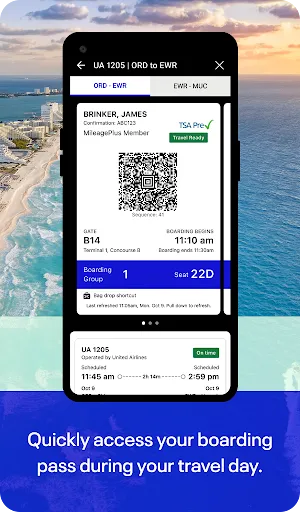
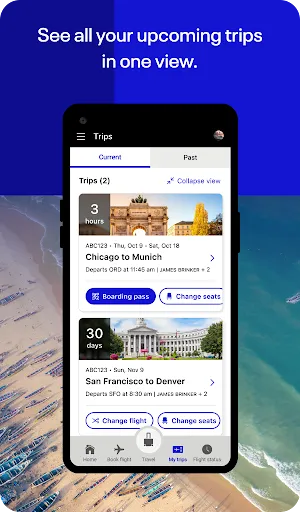
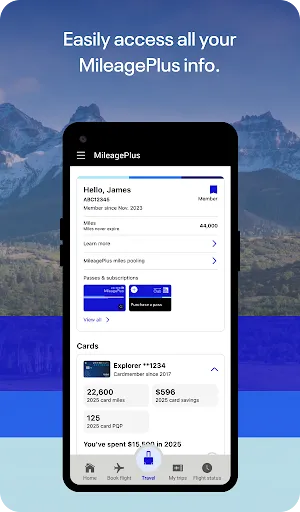
| Version | 4.2.73 |
| Content Rating | Everyone |
| Android Required | 10 |
| Updated | Apr 14, 2026 |
| Developer | United Airlines |
| Price | Free |
| Category | Travel & Local |
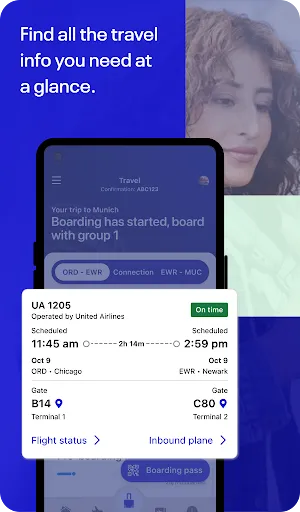
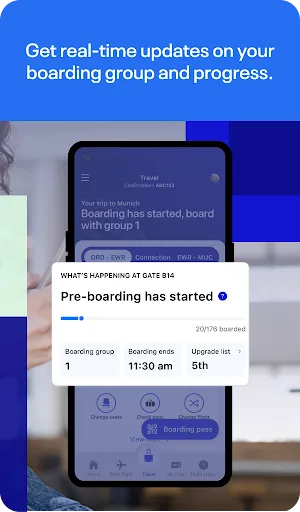
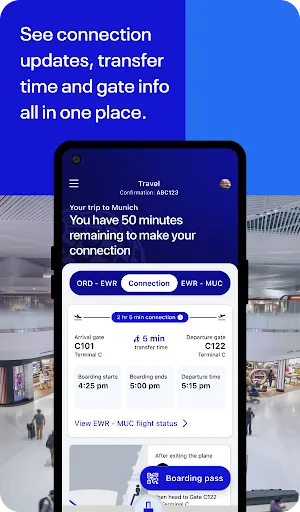
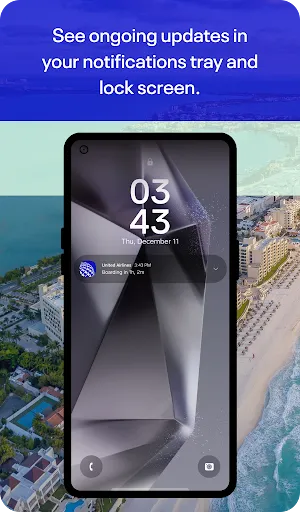
United Airlines is intended to reduce setup time and leave more room for travel planning, local discovery, and destination-related data. It should feel most relevant to travelers who want useful details available away from a computer, although newcomers can get started with the obvious action and return to optional controls later. The current listing supplies the practical details used here, while unconfirmed options are deliberately omitted. Location or mapping options appear in the description, so the application may adapt data to a place or route. A brief trial of the central function should reveal whether the interface suits the user’s expectations. United Airlines will make the strongest impression when travel planning, local discovery, and destination-related data can be completed without unnecessary detours. This mobile tooleal is practical: bring up it with a purpose, finish a useful action, and come back only when it is needed again.
never wanted to install this app but because the website won't create my boarding pass im forced to download this
yes I do like this Airlines I've flown a few times but I have a loan for the last 4 years until next month I am I am going to be flying next month and you know what
This app is absolute garbage it crashes all the time. It crashes so often my phone suggested to remove it. Uniteds AI help area gives incorrect information. while trying to add a wheelchair to our reservation I was directed to a link that didn't even exist. I hate that united forces you to use it. We will not be flying United again.
easy to use
It let me check in and everything, but it refuses to let me change my seat, kept saying it couldn't pull up the seating chart, but when I looked at flight status, it let me look at the seat chart just fine! Your website is also glitchy, kept whiting out on me! FIX YOUR TECH
constantly signs you out and it does not recognize your password after you have to find your mileage number because it doesnt remember it you have to reset your password.. then when you try to it just signs you in instead of setting a new password so you have to do it again next week when your booking your next flight. get it together united because I had to do this 5 times in the last 2 months on the same device
No problem getting to my destination. Coming back I was told my flight was delayed for 2 days because of the rain. They didn't give passengers on my flight compensation. Not a place to stay & sleep nor a discount or free voucher for the next trip you take with United Airlines. I had to ask for a refund so I could buy a bus ticket to get back home because I had to work the next day. Had I been in a paid room & discount or a free voucher ticket I would've tried them again.
can't do something on the app? give us a call. call wait time too long? text us? AI chatbot got the information wrong? double check and verify on our website. using our website on mobile? try our app! you can basically everything from there. I'm tech savvy. I'm an engineer. if I'm calling you, it's to speak to a human because either the information I'm looking for is buried in 100s of pages of info or because I literally can't do it on the app. please do better. your app is terrible.
clicking on travel ready crashes the app
DO NOT PURCHASE THE WIFI. Waste of money it does not work.