R
Apr 24, 2026
cannot even download. says incompatible with my old phone. worthless! not buying a new phone to get app to work


| Version | 5.0.9 |
| Content Rating | Everyone |
| Android Required | 8.0 |
| Updated | Apr 25, 2026 |
| Developer | Six Flags Entertainment Corp. |
| Price | Free |
| Category | Travel & Local |
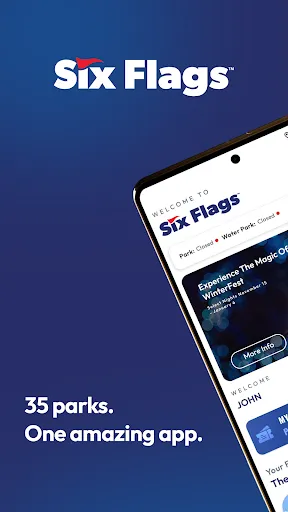
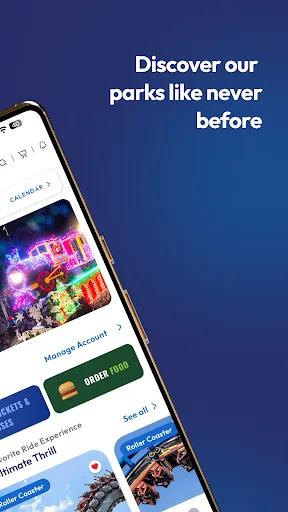
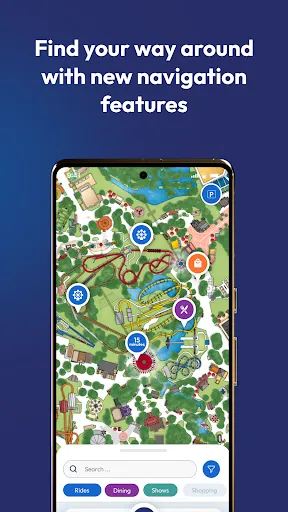
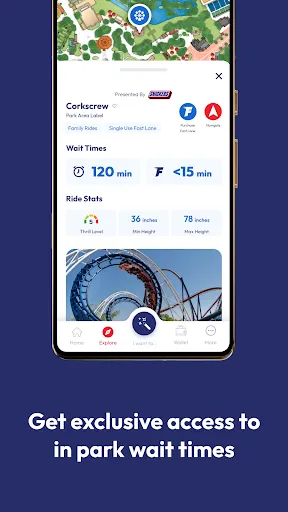
The purpose of Six Flags is to make travel planning, local discovery, and destination-related material simpler to access from a handheld mobile device. It should feel most relevant to travelers who want helpful details accessible away from a computer, although someone opening it for the first time may want to identify the primary action before changing preferences. The confirmed store text is the basis for the option discussion below; anything not described there is left out. Location or mapping tools appear in the description, so the app itself may adapt material to a place or route. A practical first step is to try the central activity before changing notifications, accounts, or optional preferences. A short real-world trial of Six Flags should show whether travel planning, local discovery, and destination-related material fits the user’s habits and expectations. The applicationeal is practical: enter it with a purpose, finish a helpful action, and come back only when it is needed again.
cannot even download. says incompatible with my old phone. worthless! not buying a new phone to get app to work
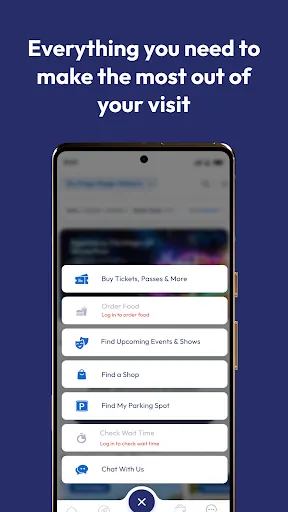
very poor performance, does not recognize being in the park, so no access to ride times or food menus. need to have menus available other than from the ordering section.
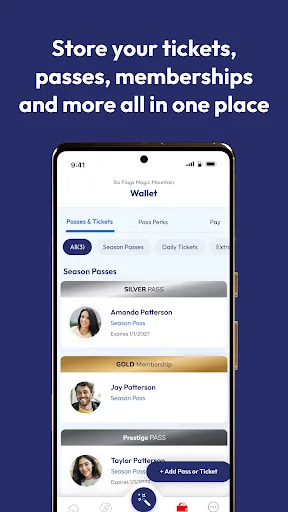
app wont let me add season passes, and cant by bring a friend tickets. can use any of the benefits thay come with the season pass because you cant add the passes
Portal to pay is ridiclous to get to. Always says information is wrong and there really is no one to help you. We live 220 miles from our park so I can't just drive down and fix it with customer service.
my phone is to old to download this app and now I can't get season passes
Worst amusement park app I've ever used. Won't let me buy a season long drink package because I need my season pass number. App can't bring number forward. When I go to my season pass I can't enlarge the QR code to show the ENTIRE 20 DIGIT number so I can't get my season pass number either. They are literally stopping me from spending money on their services.
It's like no one QA'd this new app. Not sanitizing field inputs, navigation bugs galore, Google Pay integration is broken, etc etc etc. Weak showing so far guys.
Will not allow me to access website. Password not recognized even after changing.
Unable to rent Lockers in app. Consistently slow app. Line wait times are fraudulent. App said a 30-minute wait, it was 85 minutes. I hate six flags owning Kings Island. I want my Kings Island app back.
I have the all park prestige pass. I cant sign on to the app. it keeps telling me the password has to be reset by an administrator. I tried calling my home park, Kings Island and they cant figure it out either. Im not able to access my pass or food/drink plan. I have to get a small piece of paper and carry that around the whole time. I cant check wait times either