V
Apr 27, 2026
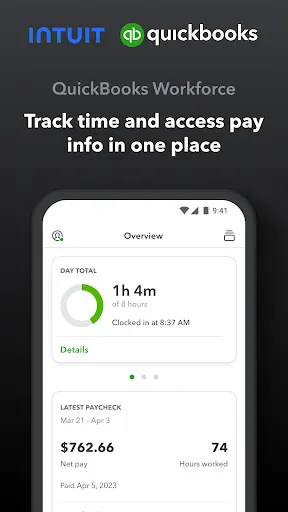
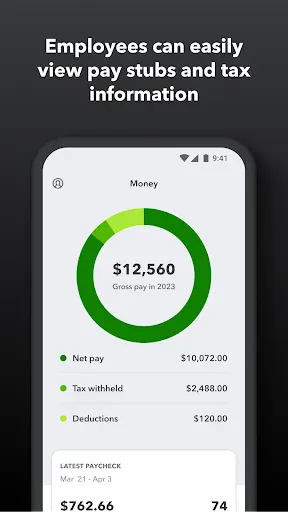
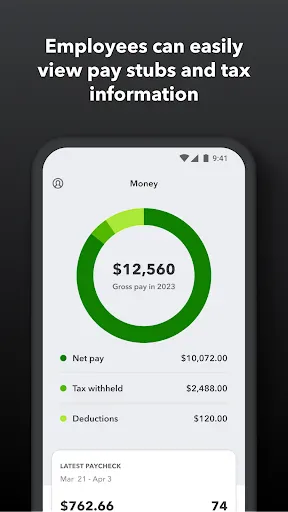
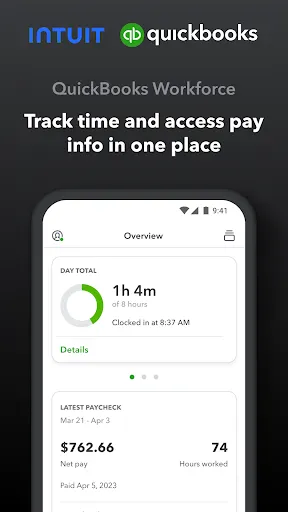
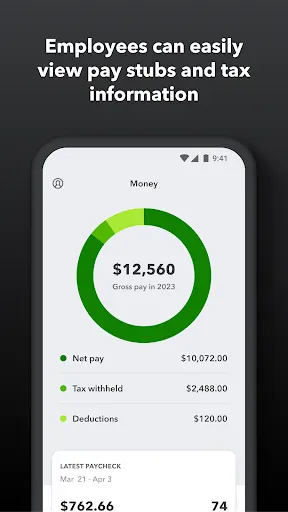
I like it shows me my paycheck and my hours worked and let's me know when my check is being deposited in my bank


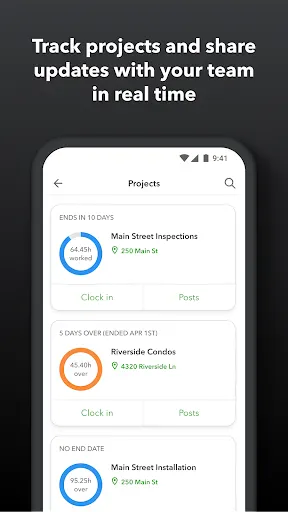
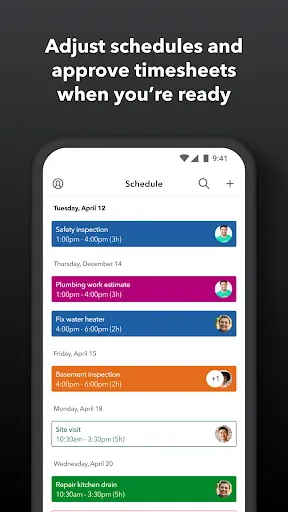
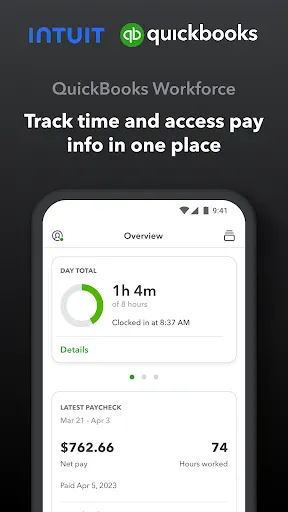
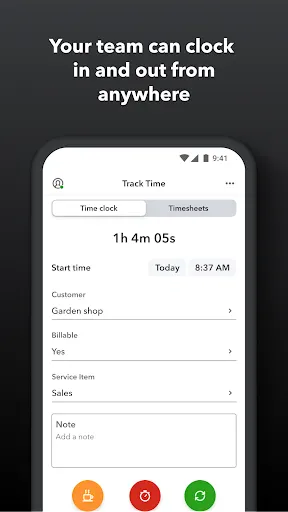
| Version | 4.86.1.20260303.2.RELEASE |
| Content Rating | Everyone |
| Android Required | 8.0 |
| Updated | Apr 28, 2026 |
| Developer | Intuit Inc |
| Price | Free |
| Category | Productivity |
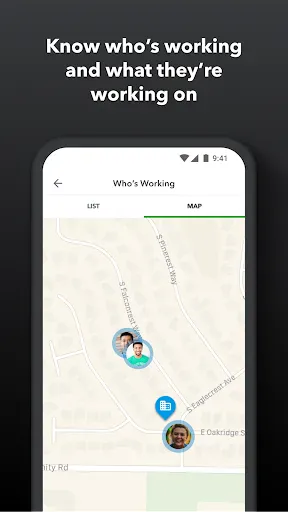
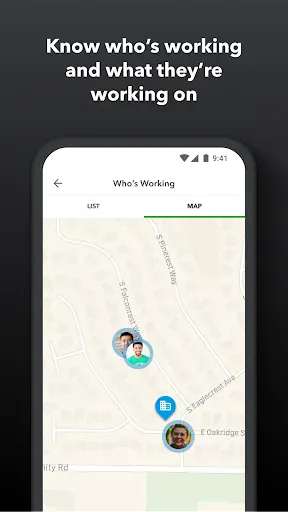
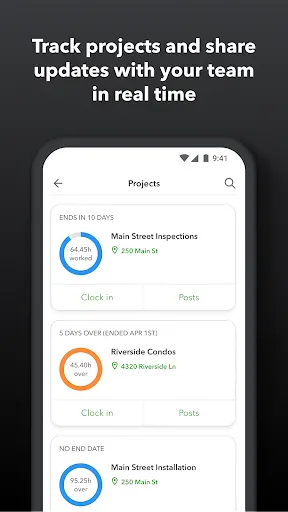
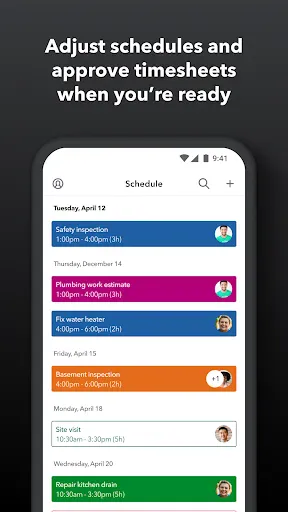
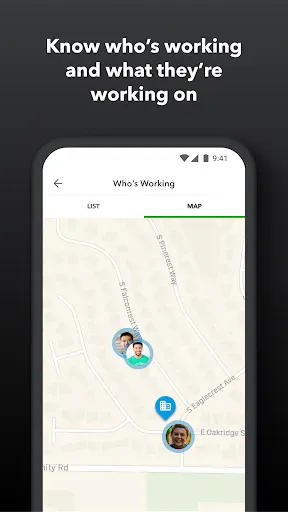
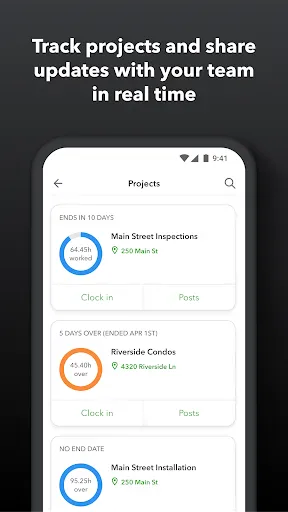
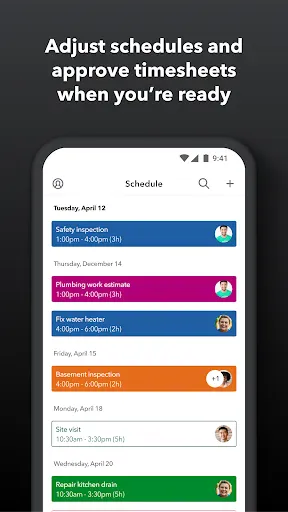
At its core, QuickBooks Workforce gives mobile users a direct way to approach planning, organization, and efficient completion of everyday work. It is aimed primarily at users who want to keep tasks and data less cumbersome to manage. It can be sampled briefly and explored more thoroughly once the user knows where the central controls are. The current listing supplies the practical details used here, while unconfirmed options are deliberately omitted. Location or mapping options appear in the description, so the application may adapt data to a place or route. A brief trial of the central function should reveal whether the interface suits the user’s expectations. A user judging QuickBooks Workforce can focus on how naturally it handles planning, organization, and efficient completion of everyday work from one session to the next. A few minutes with the central activity should tell most people more than a long tour through every available menu.
I like it shows me my paycheck and my hours worked and let's me know when my check is being deposited in my bank
terrible
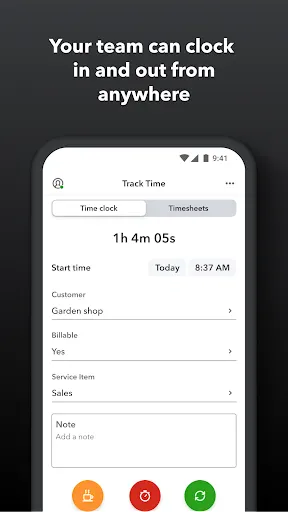
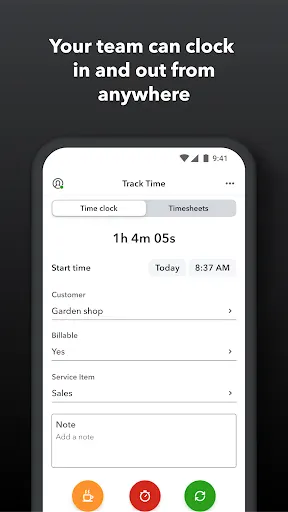
Time card feature is broken. everything in the app works great. except every single day that I have used it, the app refuses to let me clock out in the time sheet. No replies from support. other than that, would be a great app
Awesome
total garbage after the latest update. constantly not changing statues and also gives errors frequently. Half the time it won't clock me in or out. Says status didn't change and gives me a refresh button. after refreshing status isn't changed. constantly unable to clock out. The new user interface is clunky and unappealing as well as more difficult to use. y'all need to fix this the last one was way better.
works well. wish there was a live notification like on ios
Seems to have gotten slow connecting since they adjusted the app and I can't fix my closing time anymore. Gotten worse. Great app! Great design, very convenient and I absolutely love how it gives you options based on recent activity. If I fail to clock out when I leave, it somehow Knows my activity and gives me a chance to clock out when I should have. I love how quick it tells me when I'm being paid too! All around, everything I've needed, it's had. I'd give this app 6 stars if I could.
Not very impressed with this system. Constantly have a security verification message and then just sits there loading. It's not my service due to all other apps load just fine.
No errors so far. Cannot be used without PC browsers for most functions I need. 24H clock isn't available. Zoho and Bitrix24 satisfy both needs.
there's an issue with the customers list. when I try to select a customer it doesnt do anything. it will exit the page like I did select one but it never registers. so its a cycle of picking a customer. I can only pick the three recent customers. I have Uninstalled and reinstalled but issue persists.