M
Apr 26, 2026
pretty terrible, I gotta subscribe to ESPN to subscribe to mlbtv?


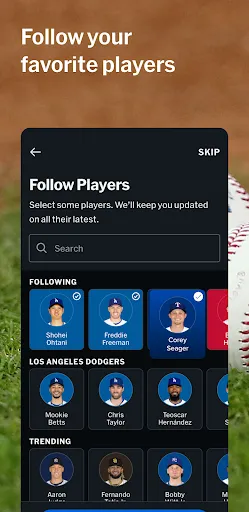
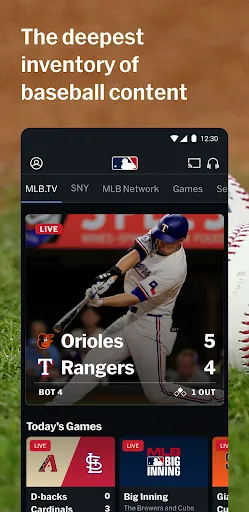
| Version | VARY |
| Content Rating | Everyone |
| Android Required | Varies with device |
| Developer | MLB Advanced Media, L.P. |
| Price | Free |
| Category | Sports |
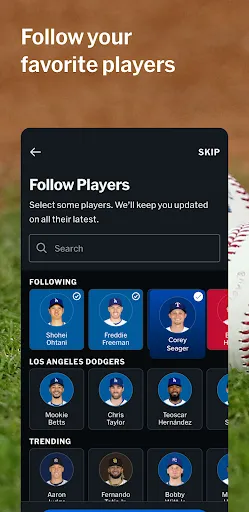
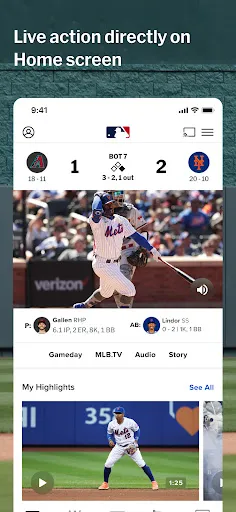
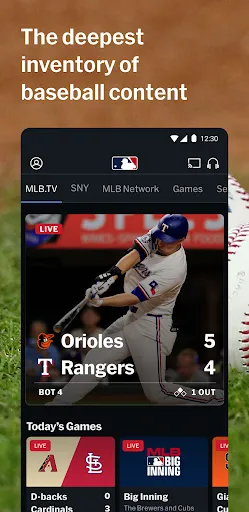
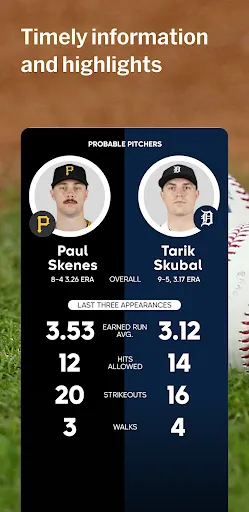
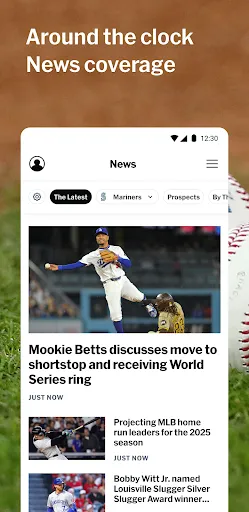
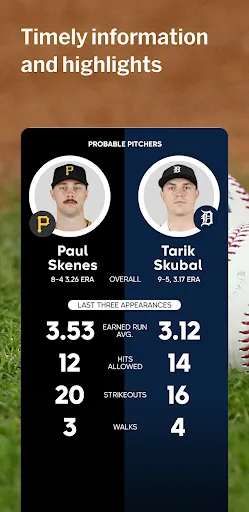
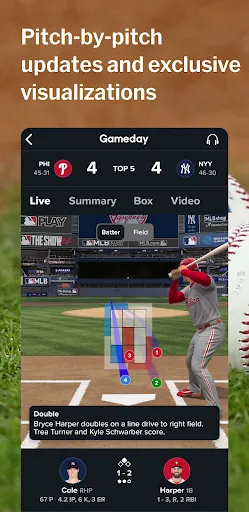
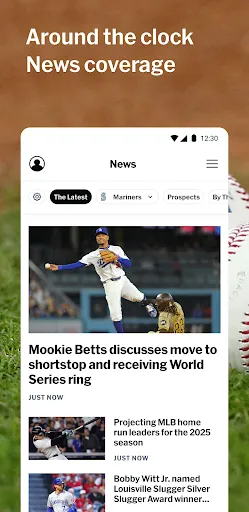
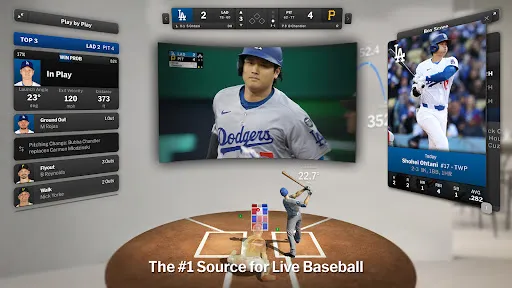
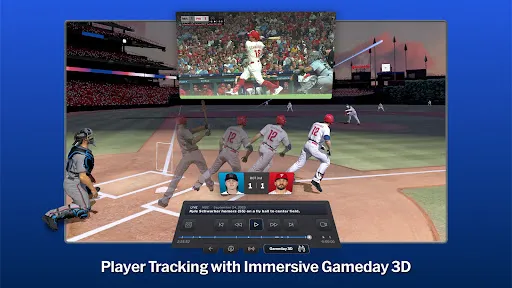
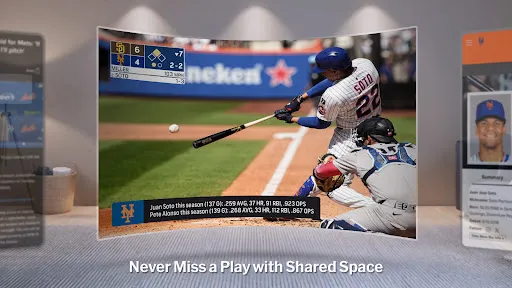
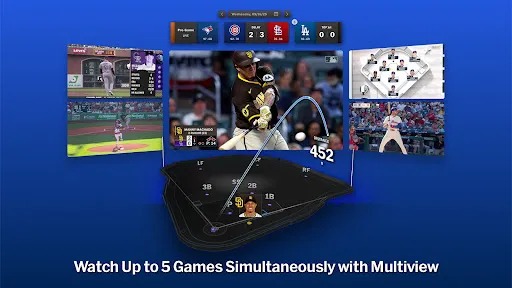
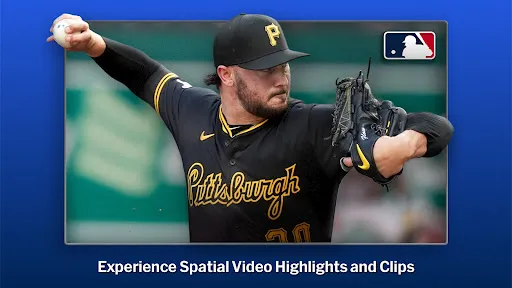
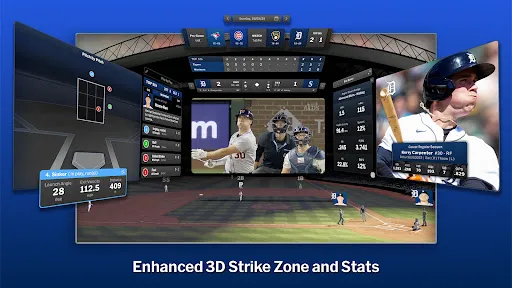
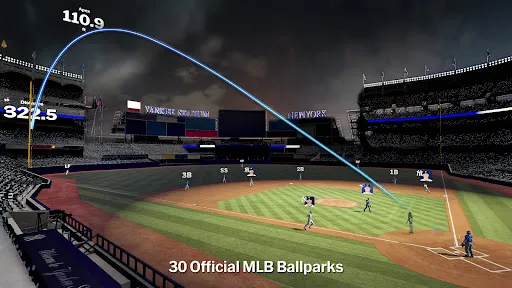
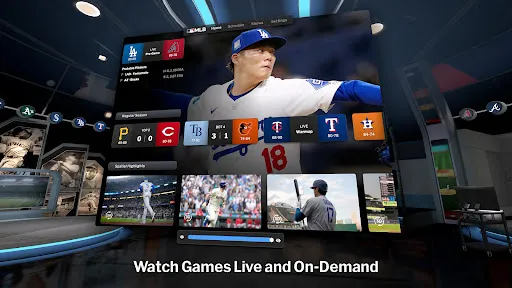
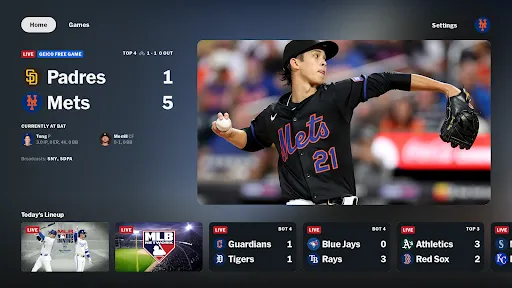
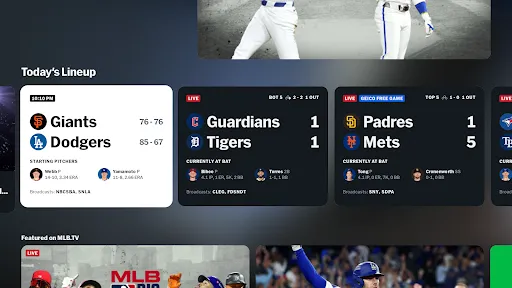
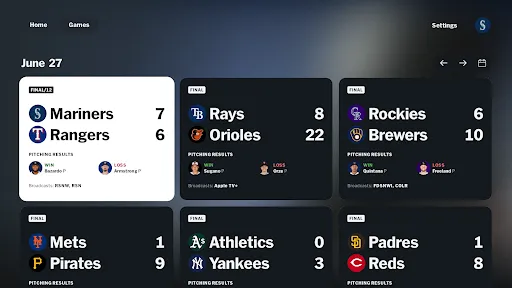
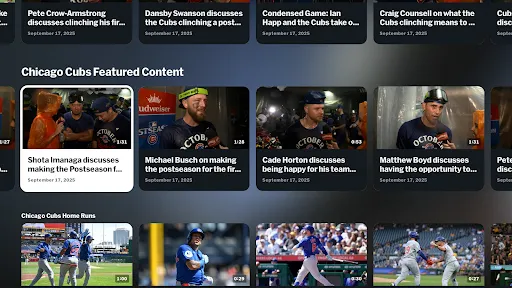
MLB is intended to reduce setup time and leave more room for sports details, participation, tracking, or recreation. It should feel most relevant to sports followers and active users who want a mobile companion, although a first-time user may benefit from trying the core control before evaluating secondary choices. Its description in the provided store data gives a clearer picture of the intended interaction, so the points below stay close to that record. The advertised interaction includes a video-related component rather than relying only on static text or images. The app itself is easiest to understand when the user completes one small task and checks the result before exploring further. MLB will make the strongest impression when sports details, participation, tracking, or recreation can be completed without unnecessary detours. The app itselfeal is practical: launch it with a purpose, finish a worthwhile action, and come back only when it is needed again.
pretty terrible, I gotta subscribe to ESPN to subscribe to mlbtv?
it is nice to be able to watch the Cards games, but the customer service sucks. I have my account set to hide the scores, but when I go into the app to watch the game it still tells me the score of the game. When I fast forward between innings it takes me back to the inning I just watched. I called to find out why, I got a lot of "uuummmm and hmmms to was basically told to bad so sad"
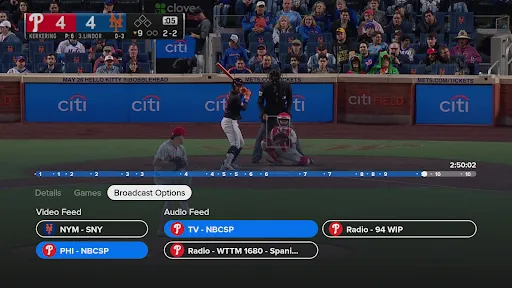
SiriusXM app much better for listening to live or time-shifted games. MLB app: Ads in replays. No Bluetooth controls. Doesn't consistently remember your replay spot. Some teams have poor radio audio syncing with the video feed. App must reload every time you switch back to it.
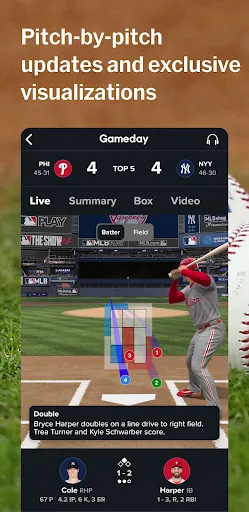
Is it just me or does mlb love a couple specific teams (yankees, dodgers, mets, Phillies, orioles, mariners) too much? It's almost like they're shoving a one fluke game from an unknown player like it's the world series. But the things I like is the gameday. It is very easy to understand and there's no better feeling in the world than to see one of your favorite players have a blue circle that says, "in play, run(s)" overall I like it more than the trashy gameday espn uses. so overall I like it
Goes to commercials, never comes back
why is it when I go to the merch store and start searching for items, I'll click the back button and it takes me all the way to the beginning and I have to start my search and filters all over again. pretty annoying. quit shopping
As dysfunctional as the Mets. freezes constantly. Sound and picture don't line up. My internet is perfect. No issues on any other streaming apps.
I pay well over $100 for a MLB cable package that is also supposed to give me access to MLB.tv. However every time I try to connect the the two accounts I am not successful. This is very frustrating and happens year after year. Also the commercials are so loud compared to the broadcast, that I have to adjust the volume back and forth every inning.
The Google TV version of the app isn't good, the app loads painfully slow, the games load slow. There aren't any worthwhile features, and the broadcast options haven't synched since the start. Nice work ESPN.
bad