S
Apr 27, 2026
Very good. I love the new look.


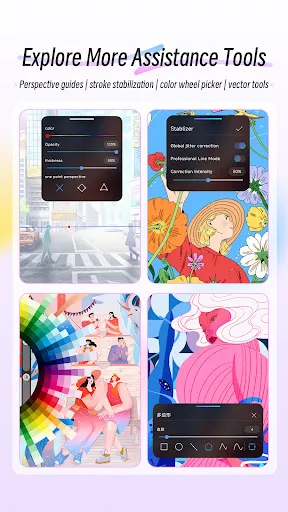
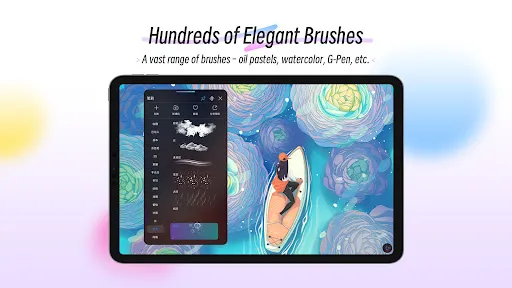
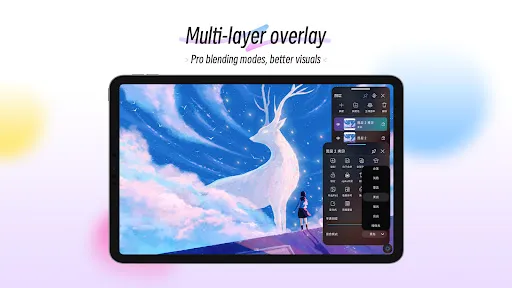
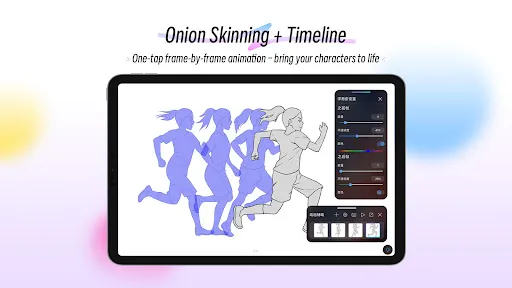
| Version | 6.2.9 |
| Content Rating | Everyone |
| Android Required | 9 |
| Developer | HiPaint |
| Price | Free |
| Category | Art & Design |
The feature set is arranged to keep the most relevant art and design actions easy to find.
Like most specialized apps, HiPaint: Sketch, Draw & Paint balances ease of access against limits that may become noticeable for advanced or highly customized workflows.
Day to day, HiPaint: Sketch, Draw & Paint works by presenting relevant choices first and then exposing the controls needed to complete the selected action.
Very good. I love the new look.
app worked great Amazing capabilities. Best drawing app for Android by far. Opened up and worked on a couple pieces, all of a sudden now it won't go beyond the boot screen, the app asking for location permissions and bombarding with ads
I love this app but when ever I install it it had like a gray small cube/square appears on my screen and doesn't go away unless I uninstall, overall a good app
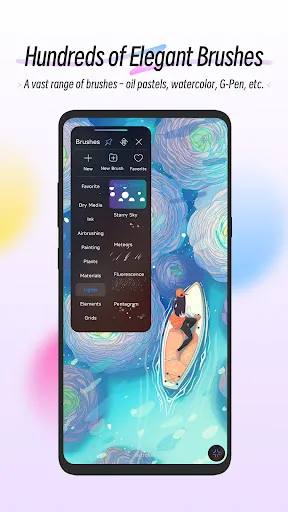
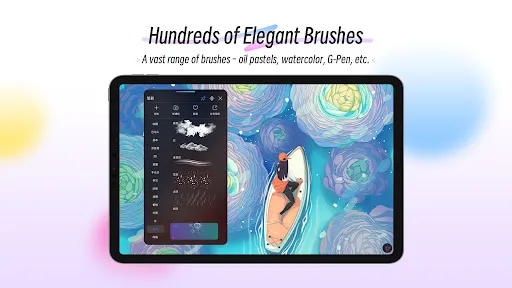
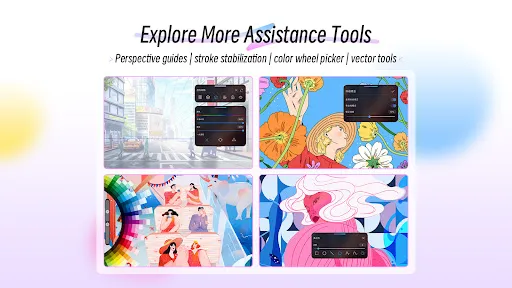
it's just too good, it's just like procreate and there is nothing that's need to pay for, everything free. This is the best drawing app of all time and it has a HUGE variety of brushes, and they're all so unique, even procreate doesn't have them. definitely the best app ever and I highly recommend this. DO INSTALL 🚨🚨🚨
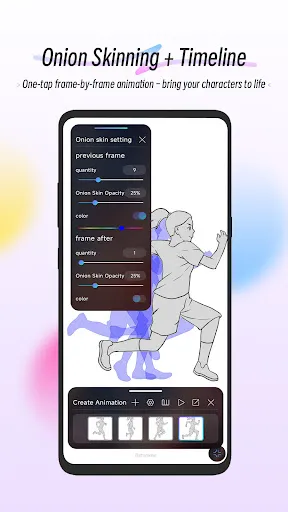
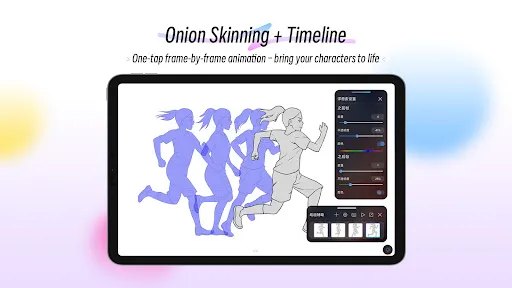
Love this app! I've tried so many drawing apps on android and by far this is the best one, easy/simple to use while still having lots of options and able to do animation as well! I've been using it for 2 years now and recommend to anyone asking what I use to draw!
I only wish that we could move the layers without having to do ads or anything like a prescription that's it😊
clean and user friendly much like procreate just clean
I mean it's alright but help me, I can't find the erase button. yeah there's an undo button but I need an erase button and I can't find it. help me
its so good
This is a GREAT app not only that it behaves like procreate but it also don't need much of moneyy.