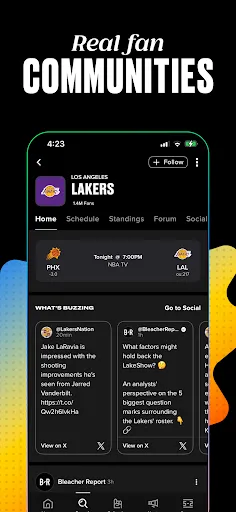
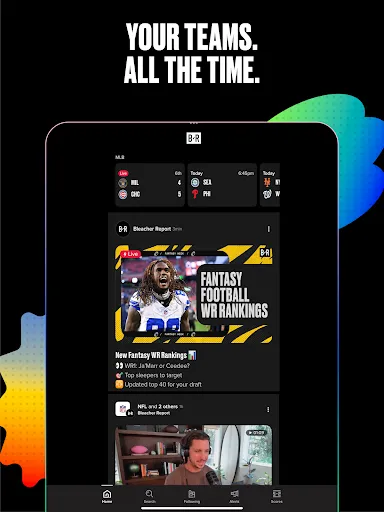
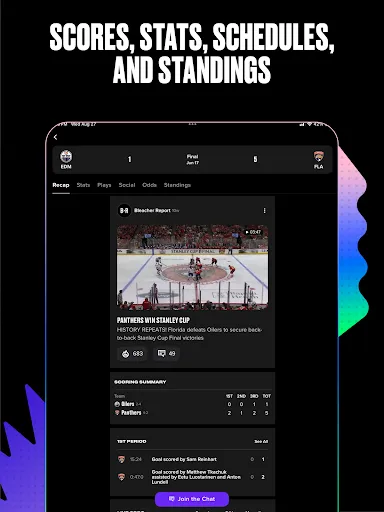
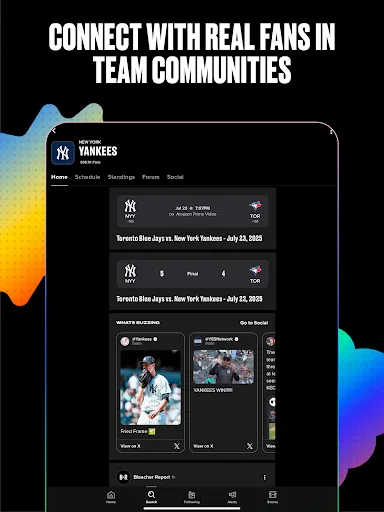
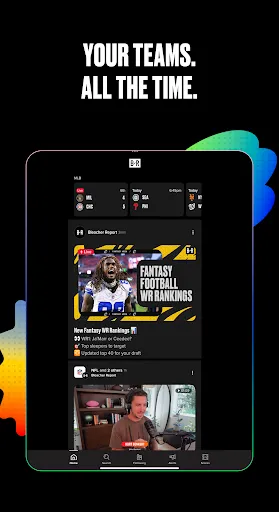
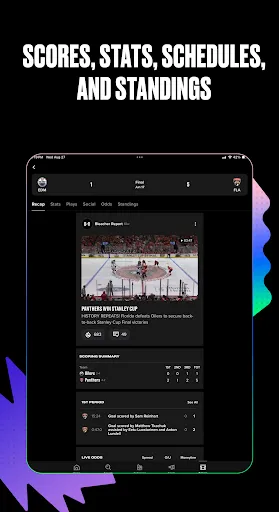
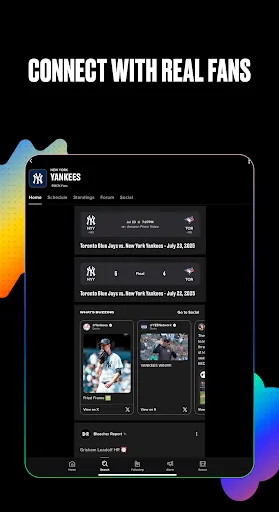
I've used this app for a long time. Now, when I click on the 'X' stuff on the team I follow, I get everything on Twitter except what I'm looking to read. Figure that out and the rating will go up.

Bleacher Report: Sports News


App Information
| Version | 10.25.0.94 |
| Content Rating | Everyone 10+ |
| Android Required | 9 |
| Updated | Apr 22, 2026 |
| Developer | Bleacher Report Inc. |
| Price | Free |
| Category | Sports |
Description
Bleacher Report: Sports News brings following or taking part in sports-related activity to a phone or tablet in the form of a dedicated app. Sports fans and active users may appreciate having the main activity accessible without returning to a desktop browser. The confirmed store text is the basis for the option discussion below; anything not described there is left out. Video is mentioned in the listing, either as content to watch, record, organize, or modify. A practical first step is to try the central activity before changing notifications, accounts, or optional preferences. The everyday usefulness of Bleacher Report: Sports News depends on how comfortably it brings following or taking part in sports-related activity into a mobile routine. That makes it the sort of app people can try in a real situation before deciding whether it deserves a permanent place on their mobile device.
Key Features
- The description highlights progress, history, or statistics rather than limiting the overall use to a single session.
- People can enter the app itself for a single task and return later without committing to a lengthy setup.
- Sharing is included in the advertised workflow, allowing selected content or results to leave the app itself.
- A focused starting point for following or taking part in sports-related activity.
- A layout that lets new users explore one section at a time.
Pros & Cons
- Pros: A clearly defined activity makes the app itself simpler to evaluate before spending much time on setup.
- Pros: New you can start with a basic action and discover additional controls over time.
- Pros: A phone or tablet can keep the main activity within reach during travel, breaks, or everyday routines.
- Pros: Store material can help users compare the current release with older versions before installing.
- Cons: The complete option set may not be accessible offline or without additional account and purchase requirements.
- Cons: Users returning after a long break may need to learn a revised layout.
- Cons: Performance can vary with storage, memory, operating-system release, and network quality.
Functions
- Decide on a video, check playback or editing controls, and double-check the output before saving changes.
- Use the share control only after reviewing the selected item and the destination shown on the confirmation screen.
- Use the tracking screen to compare recent entries and check that dates or units match your expectations.
- Locate the primary section before exploring menus that are not needed for the current session.
- Look over the accessible choices and select the option that relates to following or taking part in sports-related activity.
How to Use
- Step 1: Bring up the recorded Google Play listing for Bleacher Report: Sports News on the Android mobile device where it will be installed.
- Step 2: Confirm that the app itself name and icon match Bleacher Report: Sports News. Because the developer is not recorded in the current data, do not guess it; use the listing itself to verify who publishes the app itself. Also read the operating-system requirement and make sure the mobile device is supported.
- Step 3: Use the listing to check what it says about the release, cost, privacy, and purpose. Do not infer facts the page leaves out.
- Step 4: Tap the store’s Install or Get control and wait until the verified store finishes downloading and installing Bleacher Report: Sports News.
- Step 5: Bring up Bleacher Report: Sports News from the mobile device’s app list or home screen. The opening view should make sense before you create an account or alter the default setup.
- Step 6: Do not approve permissions in a batch. Check the reason for each request and postpone anything unrelated.
- Step 7: Get started with one option described in the store listing and follow the labels presented inside the app itself. Complete a small test before using essential files, payments, or private data.
- Step 8: Return to the same verified store for updates. Look over any new permission request before accepting it, especially after a major update.
Downloads
User Reviews
If you want to get cyber bullied and/or harassed and never actually have an intellectual conversation regarding sports or anything of the sort, then Bleacher Report is the perfect place for you. They don't do anything about online harassment or stalking or trolls or spam of any kind. 10/10 do not recommend. 👎🏼👎🏼
great 👍 app!
Can we not get an update for the new Tennessee Titans logo? logo has been out a month
Not what it used to be. Too many adds that pop up just as you tap something and swiping adds. Glitchy at times. Just not as good anymore
If you're going to use goal . com as your internal football article source I'm out. Bye Felicia 👋
App is still terrible over a year after their redesign. What I really can't believe though is the review fraud. This garbage heap was barely over 1 star not long ago, and now it's magically near 5 stars again? How many fake reviews and how much money changed hands to make that happen? Maybe those resources could have been better spent restoring the original version they ruined.
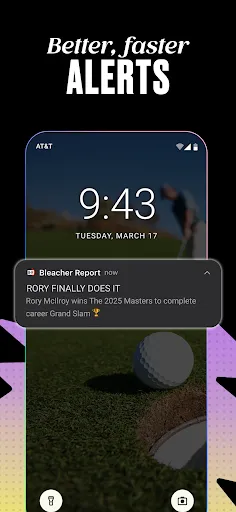
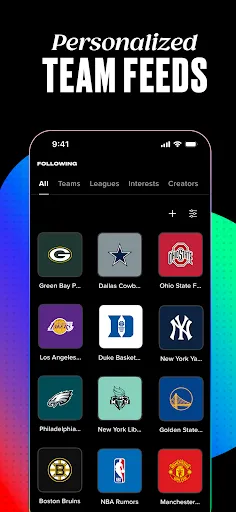
select teams I follow I don't get notifications for. but don't worry I do get. alerts for stuff I don't want. I don't care about your ranking articles I just want scores
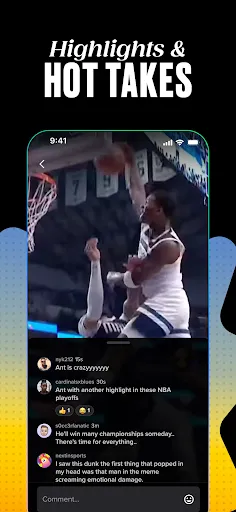
it's just Ads now. Want to watch any highlight? Enjoy your 30 sec unskipable ad...
app is unusable. articles doesn't load.